
Maintain document status
Teams often need to verify metadata, versions, owners and approval states across project records.
Project and Document Operations
An Atlensia team of autonomous collaborators maintains repeatable project-document missions in existing tools, records progress, and escalates missing information or approvals.
Document exception sent with source, status and required approval
The operating reality
Project and document departments often need to keep registers, commitments and approval records current across multiple teams while business and project decisions remain human. Atlensia adds a coordinated autonomous collaborator team to the department.
Teams often need to verify metadata, versions, owners and approval states across project records.
Teams often need to connect purchase orders, supporting records and current status.
Teams often need to compare authorized records and prepare variances for human review.
Teams often need to consolidate progress, open items and decisions without making the project decision.
Your stack stays in place
The team connects to the actual project, document and communication tools already used by the department. It works through named access, explicit permissions and a traceable mission scope.
Marketplace
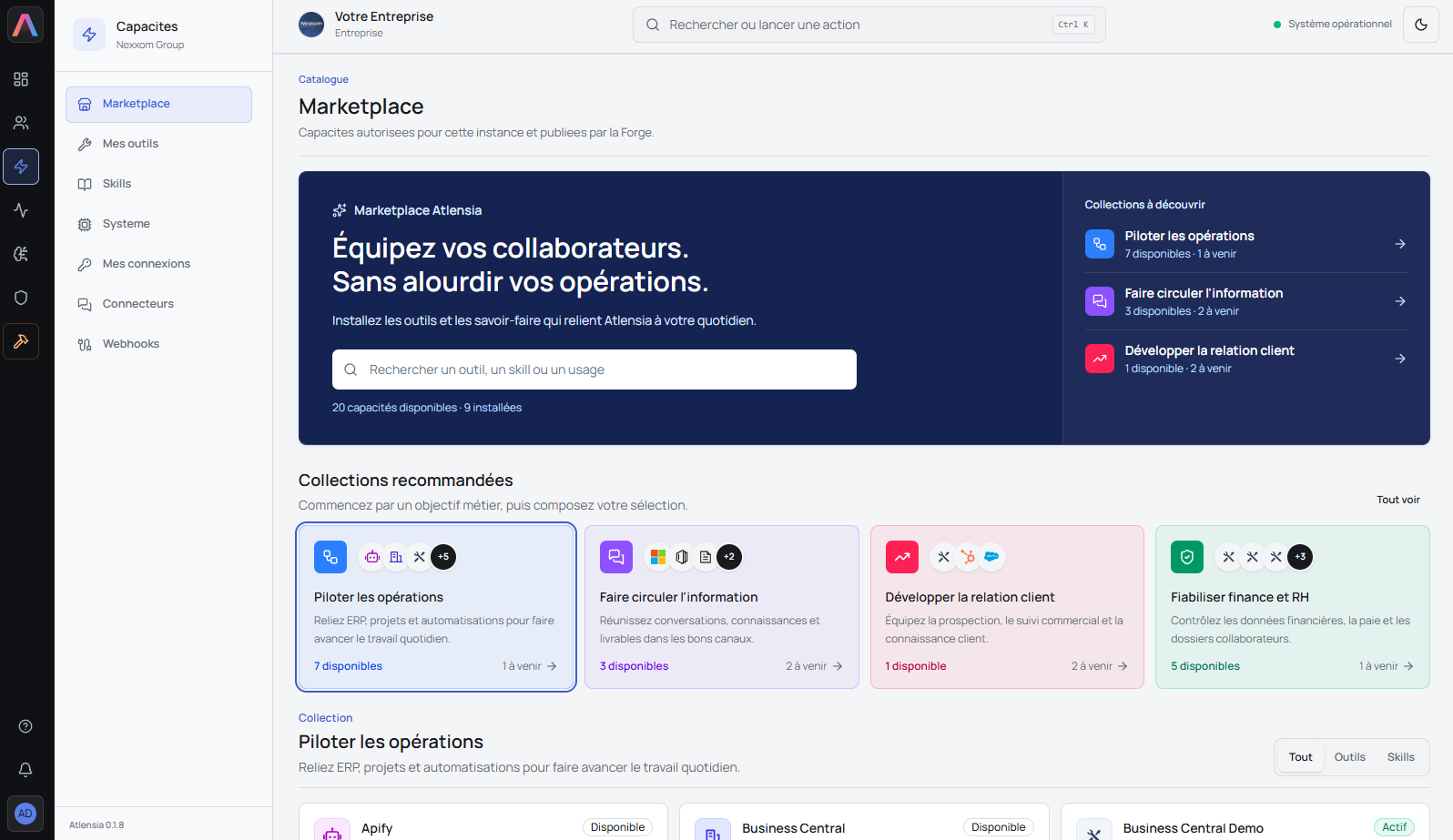
Platform equips the team for document checks, commitment tracking, exception preparation, follow-up and reporting in the approved project tools.
Missions covered
The autonomous project-document team maintains defined records, coordinates with the relevant human and autonomous teams, and returns missing information and approvals to accountable people.
How it works
The operating pattern stays the same across each bounded mission.
The department assigns a mission or authorizes a queue to monitor.
The team works in the real business tools through named accounts and limited permissions.
The team understands its department, the human teams and the other autonomous collaborator teams involved.
Actions are documented and decisions return to the accountable human team.
Human control
The autonomous collaborator team can execute defined, repeatable missions with named access and limited permissions. Professional judgment, approvals, payment releases, accounting decisions, and project decisions remain with your human teams.
Operating-model illustration
We are currently deploying comparable project-document control missions with a construction organization. The example demonstrates the operating model—working in existing tools, documenting actions and escalating exceptions—not a sector-specific performance claim.
Frequently asked questions
No. An autonomous collaborator team joins the department for defined, repeatable missions. Human teams remain responsible for professional judgment, approvals and decisions.
Nothing by default. Permissions and stop conditions are defined for each mission. Approval authority remains with the people designated by your organization.
Yes, when the required access and actions are supported. The autonomous team uses named accounts in the real business tools selected for the mission.
The autonomous team stops the affected step, records the exception and returns the available context to the responsible human team.
The autonomous team uses named access, limited permissions and an explicit mission scope. The access model is reviewed with your human team before deployment.
A short description of the mission, the department and teams involved, the tools used, the expected trace and the decisions that must remain human-controlled. Do not send sensitive records through this form.
Mission review
Share the repeatable mission your department is trying to keep moving. We’ll review how an autonomous collaborator team could operate, coordinate with human and autonomous teams, and what must remain human-controlled.